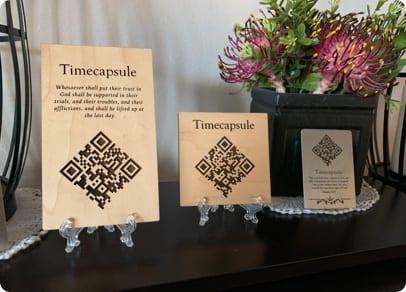
Shared album for graduation: classmates and family upload ceremony and party photos via QR code.
Rafael T. · Engineering grad
We gathered photos from the whole class without a chaotic WhatsApp group.
Why QR code at graduation
Hundreds of graduates and guests take photos that never meet. One QR centralizes everything.
QR on badge, class banner, or registration table.
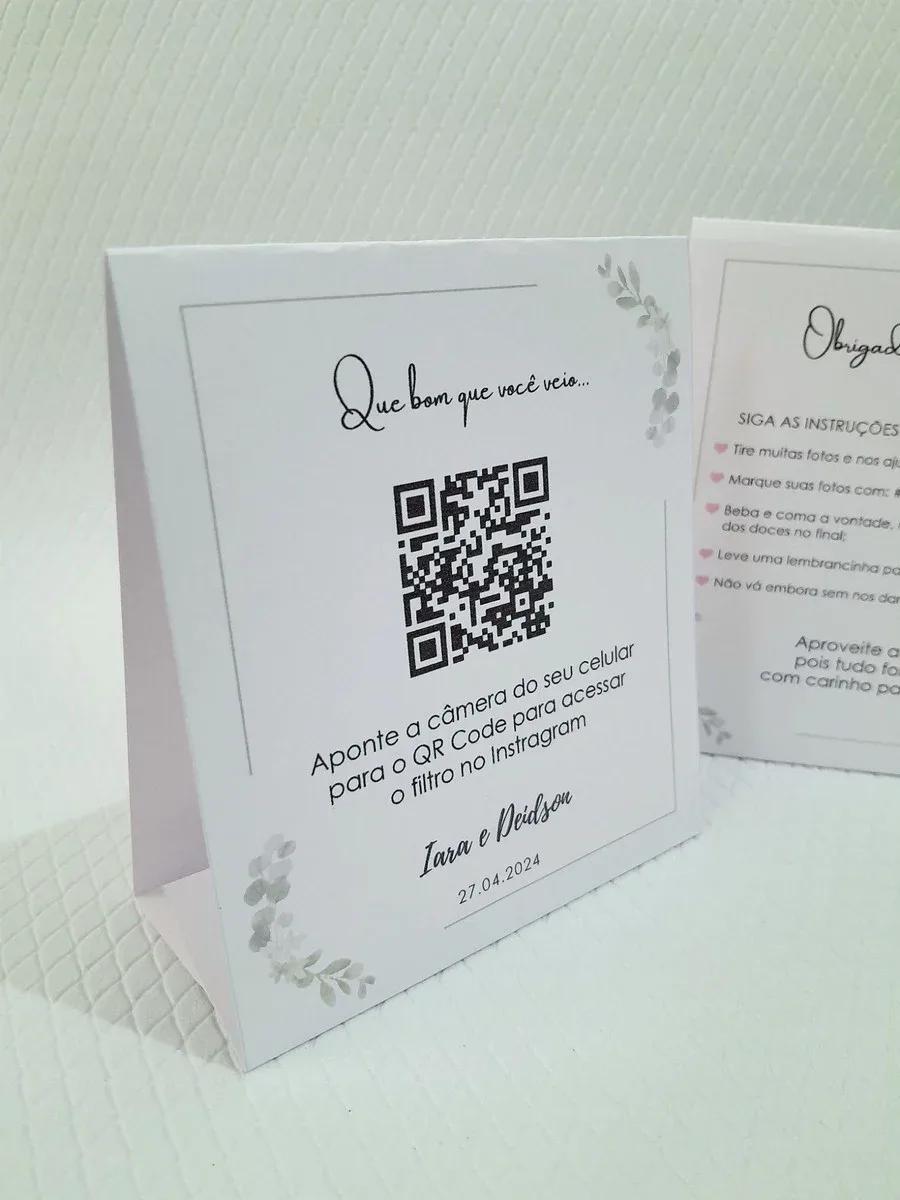
Features for graduates
- Custom page with event name, colors, and cover
- QR code for instant upload — no app
- Live gallery during the party
- Slideshow for TV or projector
- Full ZIP download
- Works on iPhone and Android
How to upload from phone
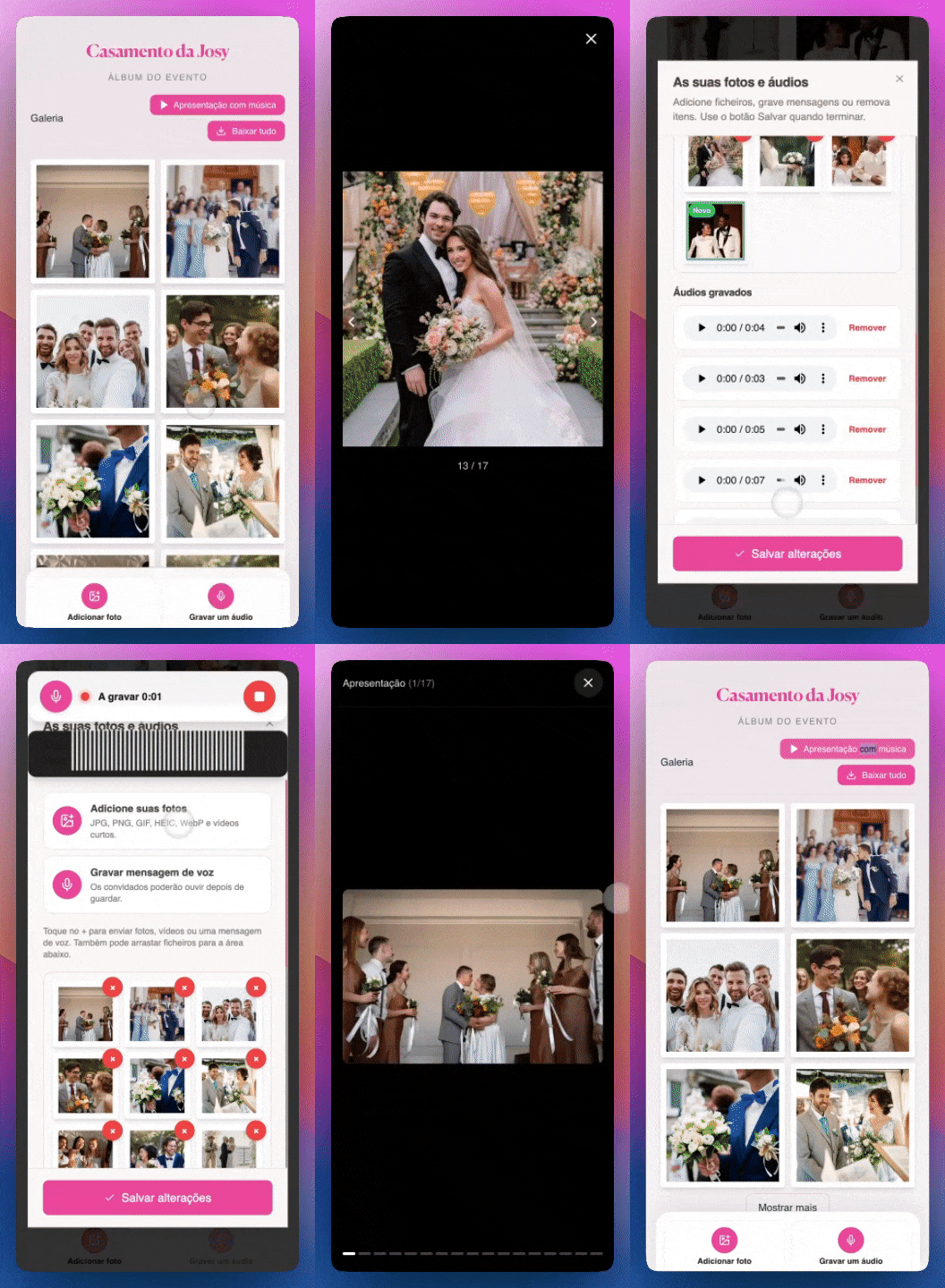
Ceremony and party photos

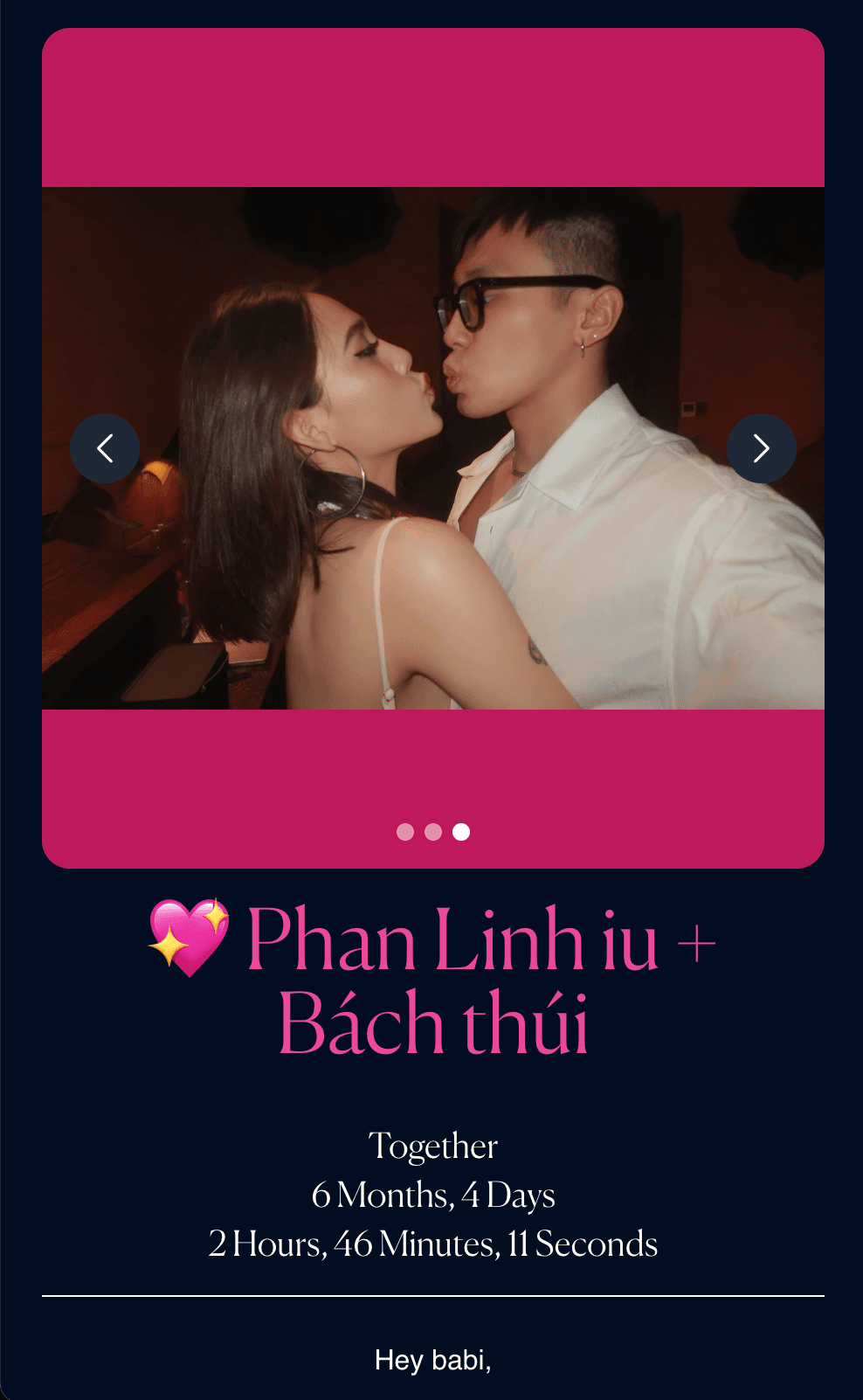

Graduation album tutorial
Graduations that used it
Ceremony: Whole class contributed
QR on banner. 500+ photos in one day.
Party: Live gallery
Screen at grad party.
Family: ZIP download
Parents downloaded full album.
How to set up
- Open the photo tunnel creation page
- Add event name, colors, and cover image
- Publish and download the QR code to print
- Place QR at the party — table, invite, or entrance
- Guests scan and upload from their phone
- Download the full album as ZIP after the event
Graduation tips
- QR at highest-traffic spot.
- Share link in class group too.
- Project gallery at party.
- Download before photos disappear from phones.
FAQ
Works for large classes?
Yes. Unlimited photos on paid plan.
No app?
Browser only.
Custom page?
Class name, colors, cover.
Download?
Full ZIP available.
Full guide
We have a dedicated landing page with examples, testimonials, and FAQ:
Conclusion
Keep every graduation photo — ceremony, cap toss, and party — in one album.
Read more on the GiftsQR blog or the graduation landing page.