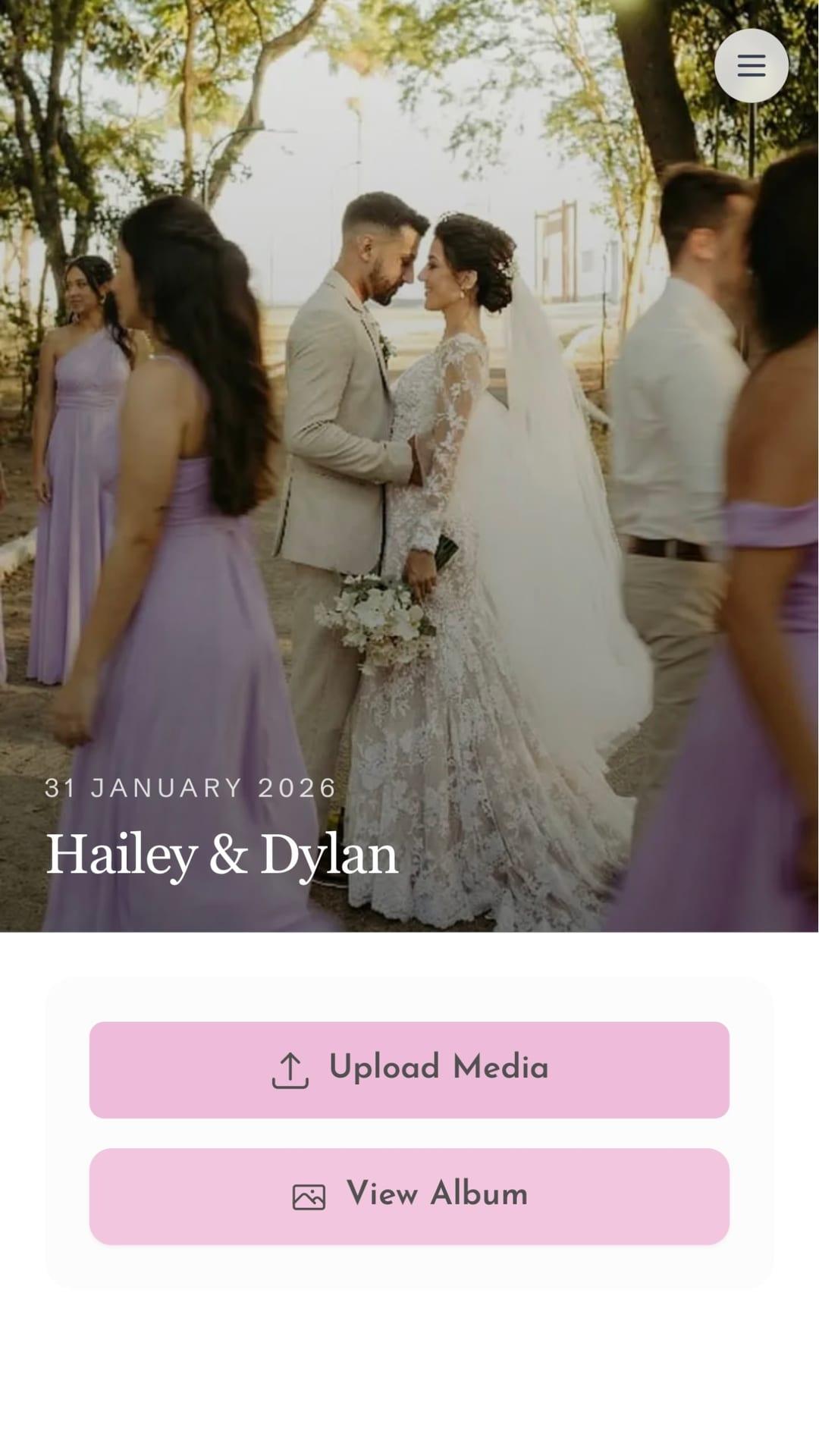
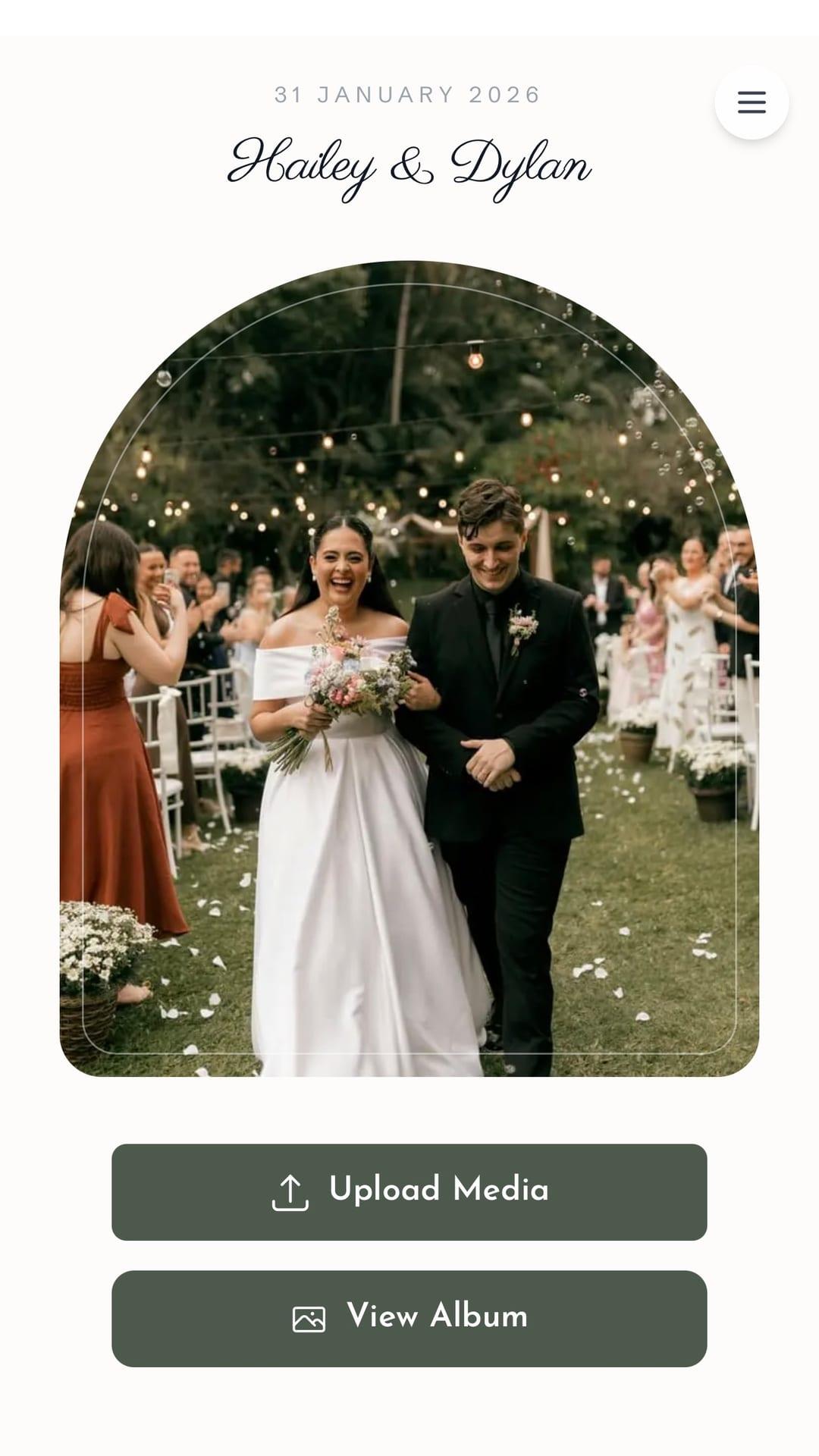
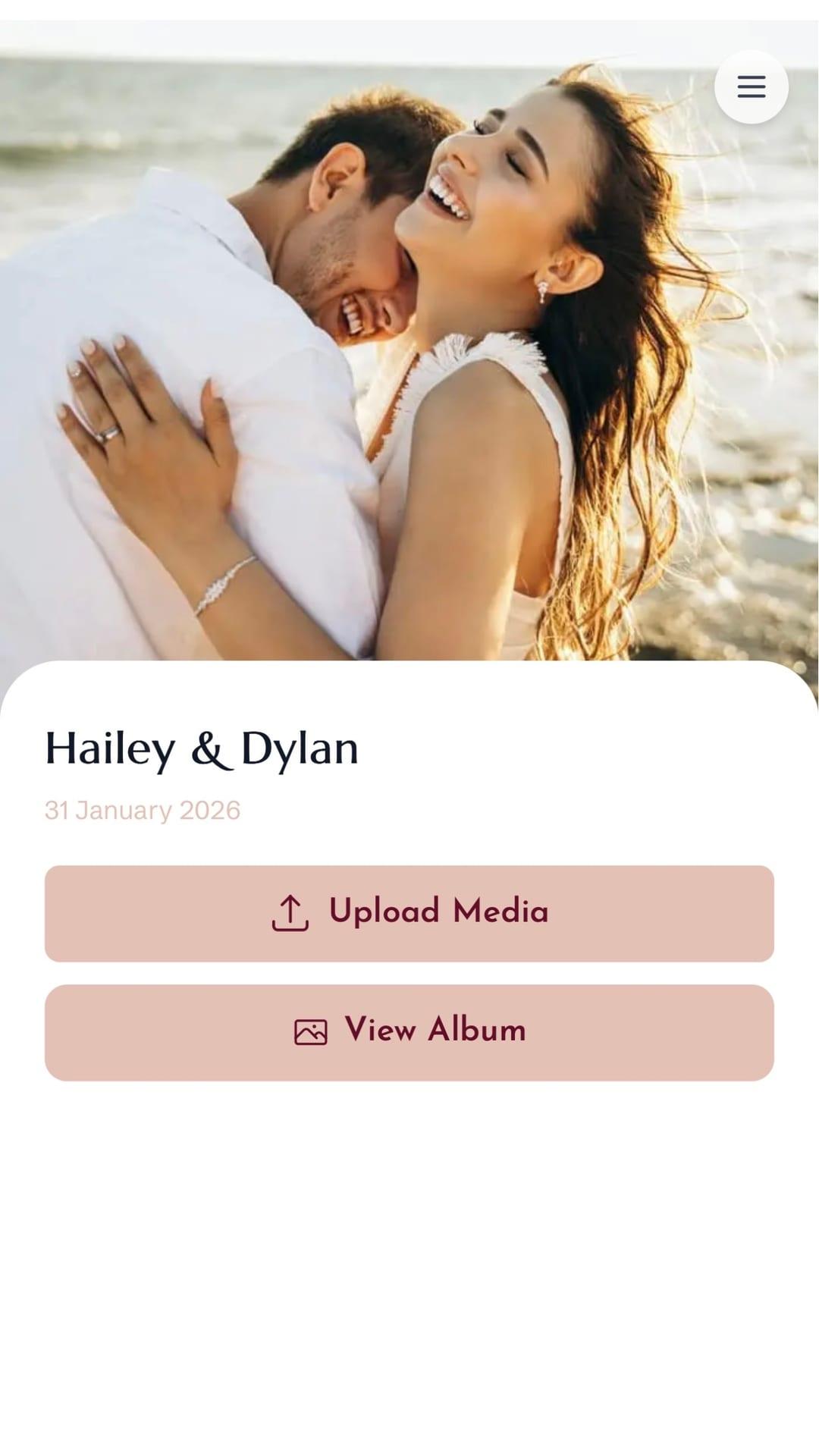
GiftsQR builds a live shared album for your wedding: guests scan a QR code, upload from their phone (no app), and you watch the gallery update in real time. After the party, download everything as a ZIP.
Mariana & Pedro · Wedding
We got angles the photographer missed. QR on tables worked amazingly — and we projected the live gallery at reception.
Why use a QR code photo album at your wedding
During reception, dozens of guests take photos that never leave WhatsApp—or stay on camera rolls forever. A QR on tables, invites, or at the entrance sends everyone to one album, live on screen and ready to download later.
Print the QR on menus, table signs, invites, backdrops, or badges. It works in the phone browser with no signup.

Features built for wedding parties
- Custom page with event name, colors, and cover
- QR code for instant upload — no app
- Live gallery during the party
- Slideshow for TV or projector
- Full ZIP download
- Works on iPhone and Android
Demo: how a guest uploads photos from their phone
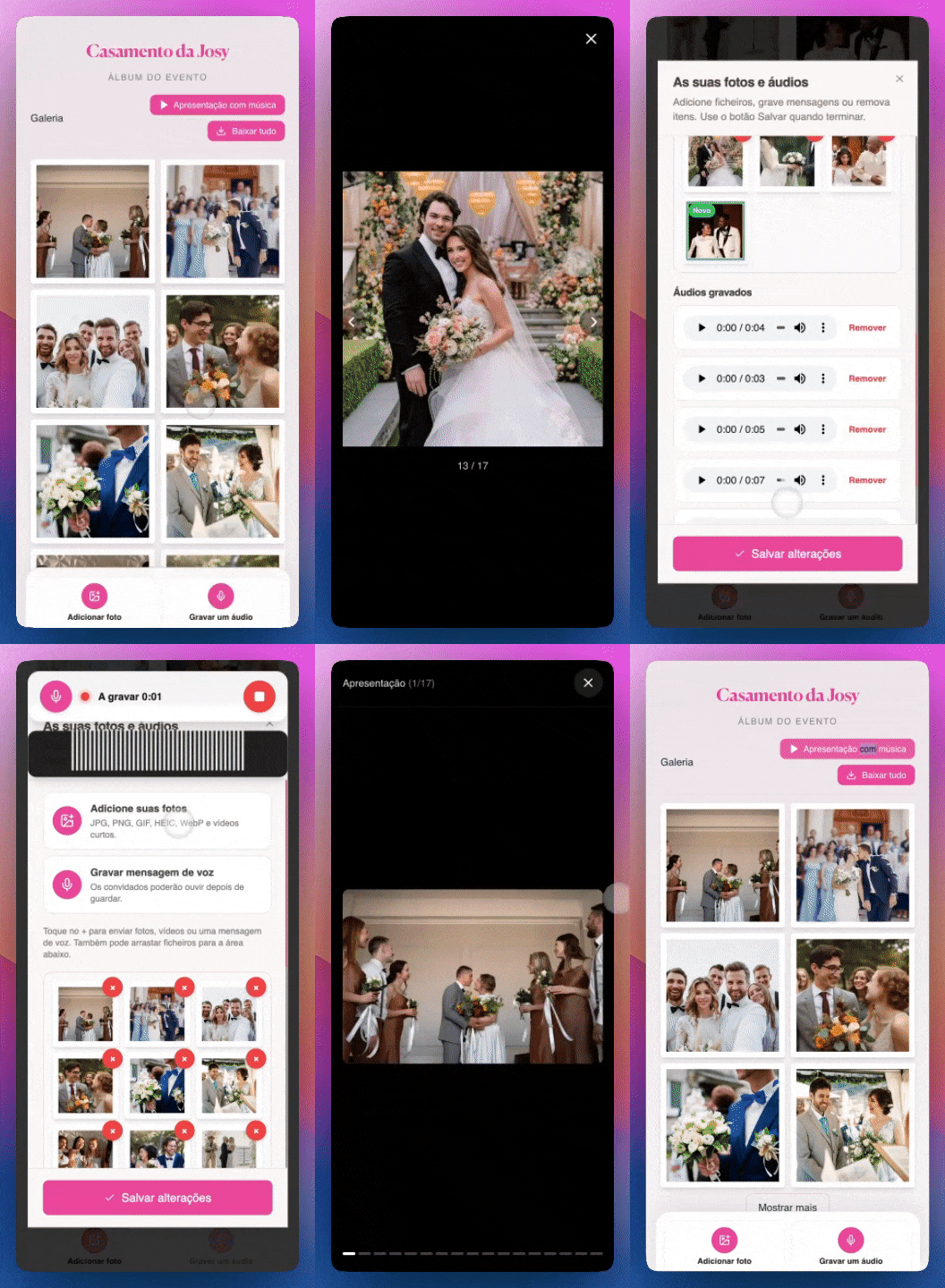
Real guest photos from events using GiftsQR
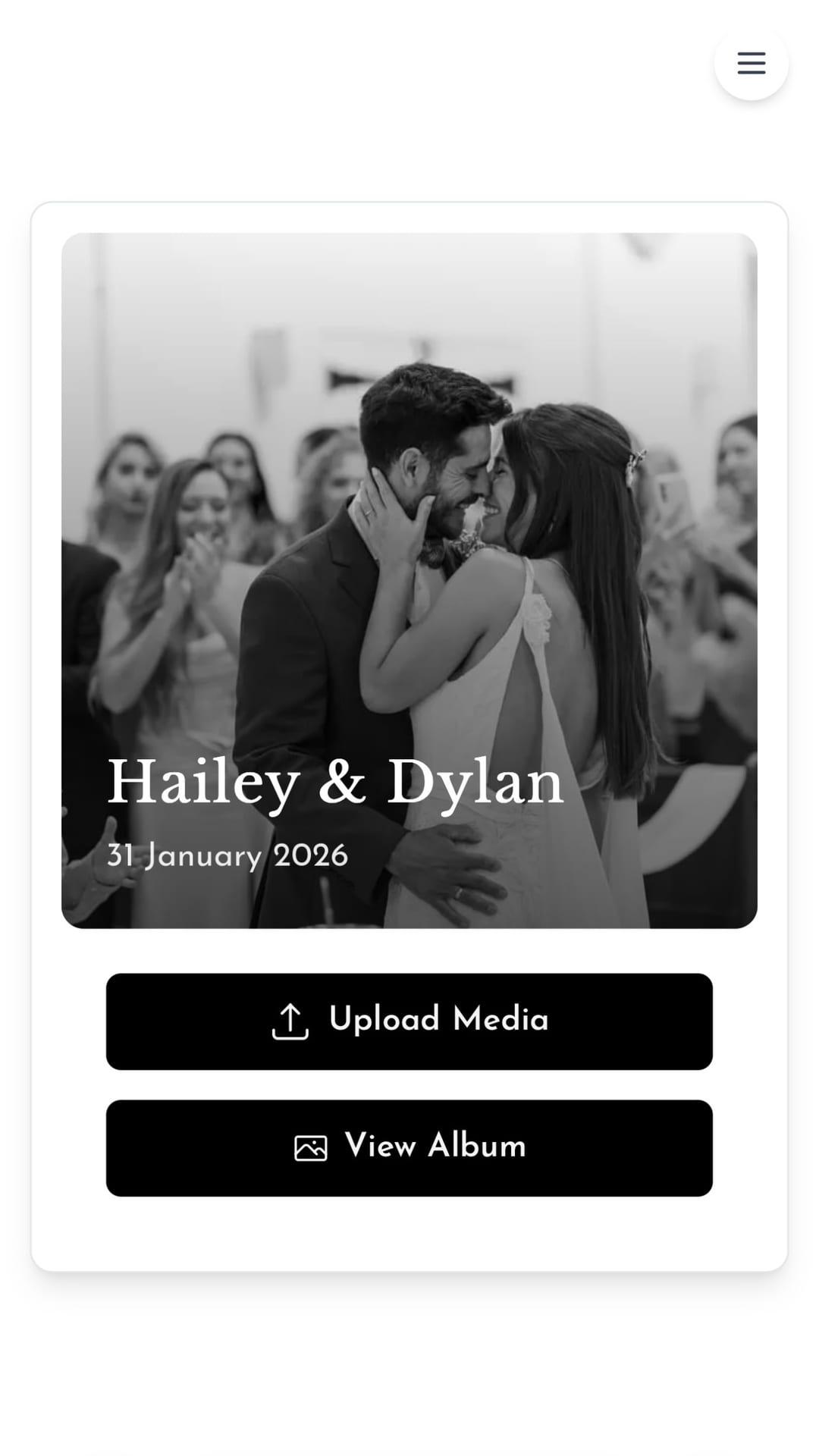
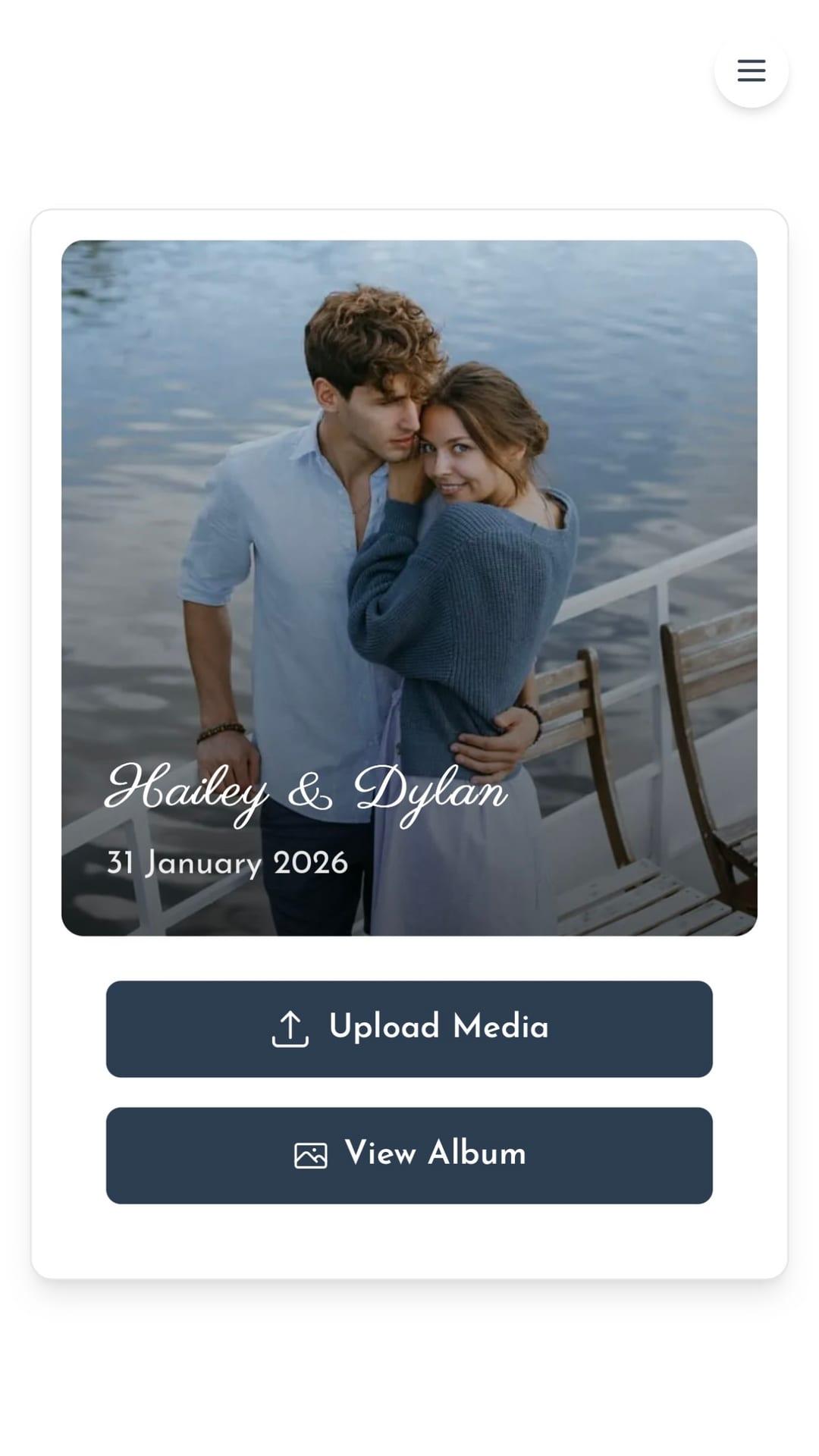
Watch the full flow — from album setup to ZIP download
Weddings that used the photo tunnel
Reception: 200 guests, 800 photos
QR at the welcome table. Gallery projected on screen during dinner.
Destination wedding: Photos from every angle
Guests from multiple countries uploaded without a WhatsApp group.
Intimate wedding: Full album in 24 hours
Downloaded the ZIP the next day and made a printed album.
Set up in 6 steps
- Open the photo tunnel creation page
- Add event name, colors, and cover image
- Publish and download the QR code to print
- Place QR at the party — table, invite, or entrance
- Guests scan and upload from their phone
- Download the full album as ZIP after the event
Practical tips for the big day
- Test the QR on more than one phone (iPhone and Android) before the party.
- Leave white space around the QR on printed materials.
- Project the live gallery on a TV to engage guests.
- Download the ZIP the next day while guests still remember to upload.
- Coordinate with your photographer — the album complements professional coverage.
Frequently asked questions
Do guests need to install an app?
No. They scan the QR and upload from their phone browser.
How many photos can I receive?
On the paid plan, unlimited photos. Guests can upload as many as they want.
Does it work without Wi-Fi?
Guests need internet (Wi-Fi or mobile data) to upload. Same for viewing the live gallery.
Can I download everything afterward?
Yes. Download the full album as ZIP from your event dashboard.
Full guide
We have a dedicated landing page with examples, testimonials, and FAQ:
Conclusion
GiftsQR combines QR code, live gallery, custom page, and full download in one simple flow. Perfect for weddings — capture every candid moment the photographer cannot reach.
Read more on the GiftsQR blog or the wedding landing page.